
Add payee through DBS iBanking
You may add a new payee account to the payee list through DBS iBanking.
To add a new payee account to the payee list, please follow the below steps:
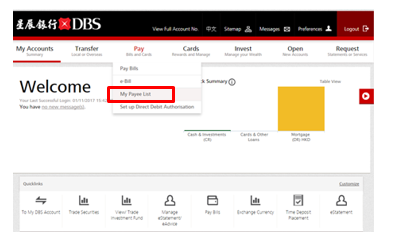
1. Login DBS iBanking and choose "My Payee List" under "Pay"
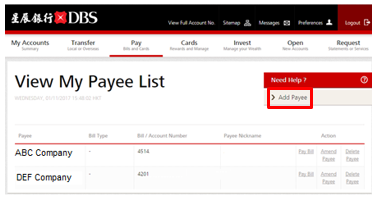
2. Click "Add Payee"
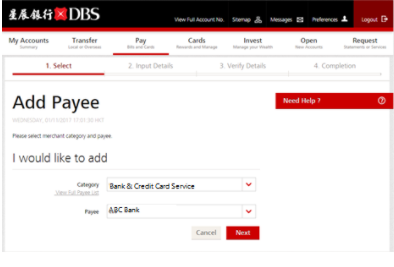
3. Select Category and Payee name
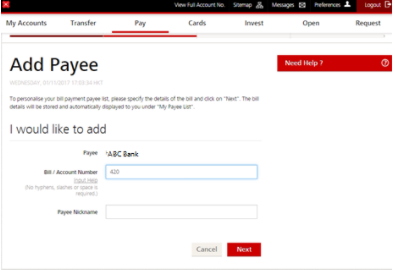
4. Enter Bill / Account Number
5. Enter 6-digit OTP received on your mobile phone to your Secure Device and obtain the 6-digit Secure Pin
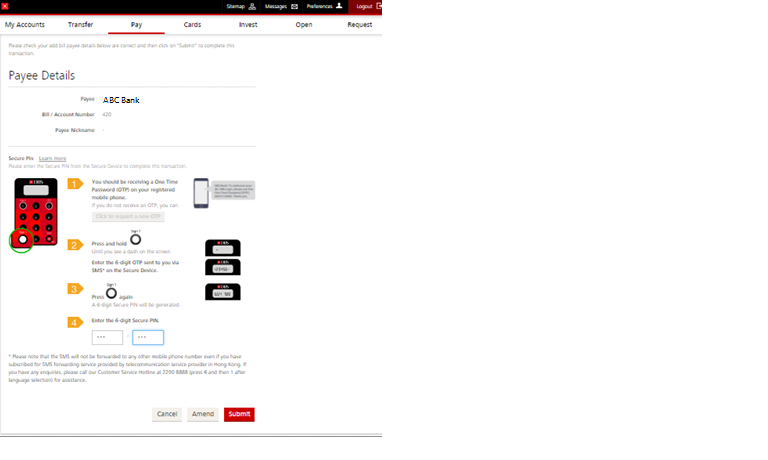
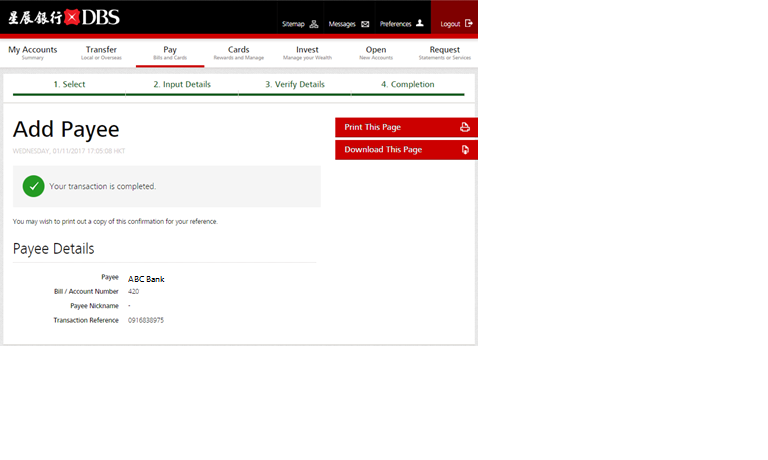
6. Add Payee Completed
Related Information
We Welcome your Feedback
Need more help?
Contact support and we'll try to resolve your issue quickly.
Contact Customer Support