
[Due to overwhelming response, the promotion period has been extended to 31 October 2026.]
JD APP brings you authentic products at unbeatable prices, all through a convenient and seamless shopping experience!
HK$300 "InstaRedeem" | |
|---|---|
 | Make a single net spending of HK$8,000 or above on any iPhone series at JD APP during the promotion period and enjoy:
(Each DBS Card+ app account can enjoy the Offer once during the promotion period, up to a maximum of HK$300 "InstaRedeem".) |
Remarks: 1. The "InstaRedeem" offer above is applicable to Principal Cardholders of DBS Credit Cards. Principal Cardholders are required to install DBS Card+ app and register for a DBS Card+ app account, and turn on the notifications in DBS Card+ app to participate in this promotion. Principal Cardholders must conduct the Eligible Transaction by 31 Oct 2026 and tap the "InstaRedeem" button for redeeming the Offer by 15 Nov 2026 23:59 (HKT); otherwise, it will be considered as giving up the Offer on its own. 2. All Offers will be served in first come first served basis while stocks last. Quota full message will be shown on the Promotion webpage if the quota of the Offer is full, Cardholder will not receive the Red "InstaRedeem" button. 3. All payments via eWallet are not applicable for the calculation of Eligible Transactions. 4. The "InstaRedeem" offer of this Promotion cannot be enjoyed in conjunction with other "InstaRedeem" offers/rewards provided by the Bank and the merchants. 5. This promotion is only applicable to orders placed through the JD App with a delivery address in Hong Kong. Orders placed through JD MALL's online or offline channels, as well as orders made at JD Kai Bo offline stores, are excluded from this promotion.
Promotion Period
- 18 Sep to 17 Oct 2026 [Extended until 31 October 2026]
Enjoy "InstaRedeem" in a Few Steps
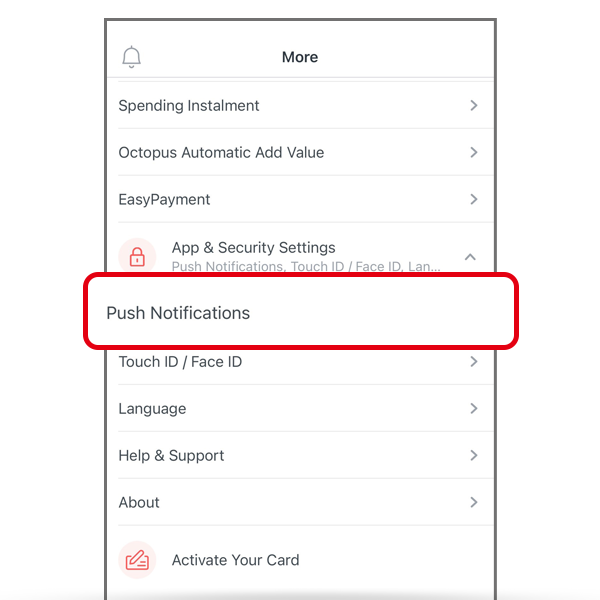 | Step 1: |
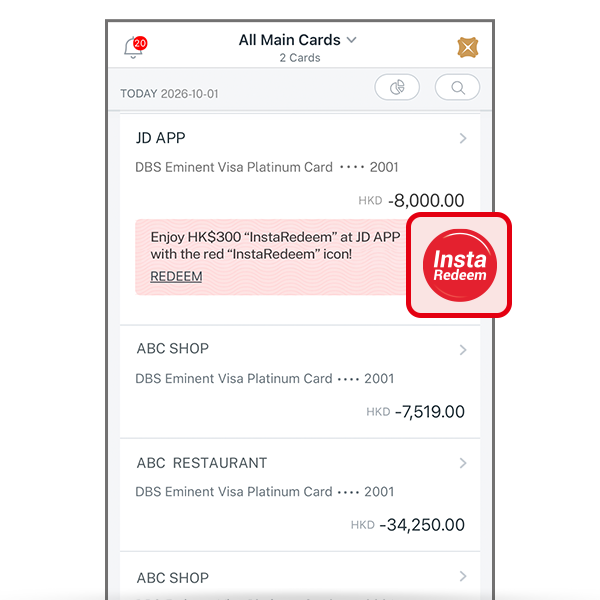 | Step 2: |
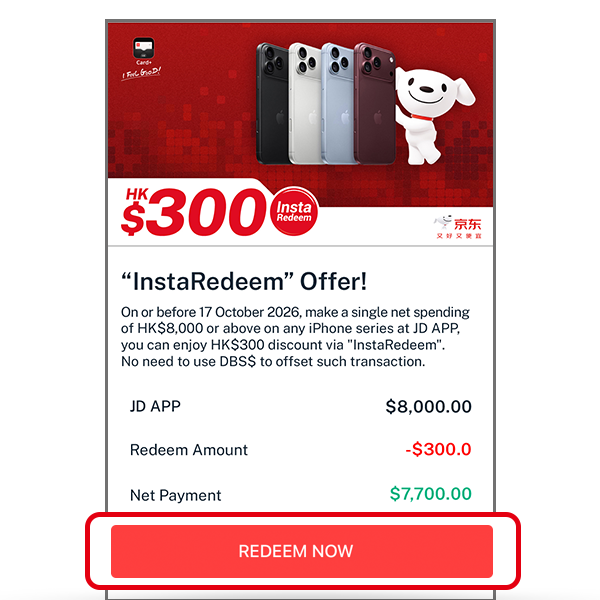 | Step 3: |
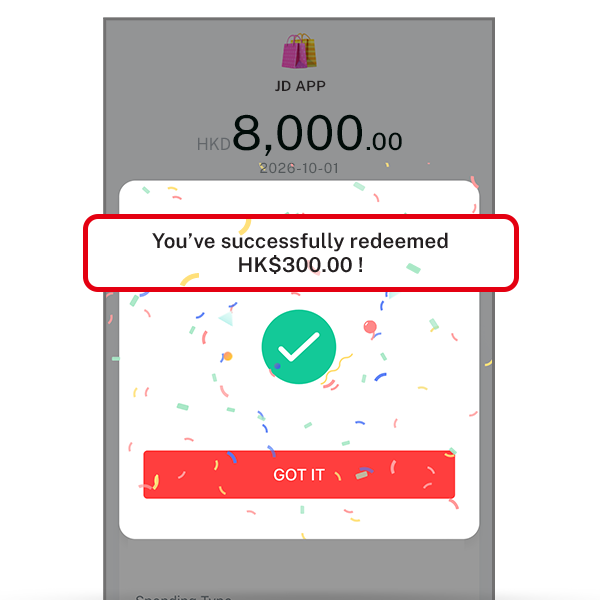 | Step 4: |